How gapXplorer works
Explore a guided preview of how gapXplorer works—from selecting a location to reviewing a full location analysis report.
Step 1/3 (Preview): Pin a location on the map
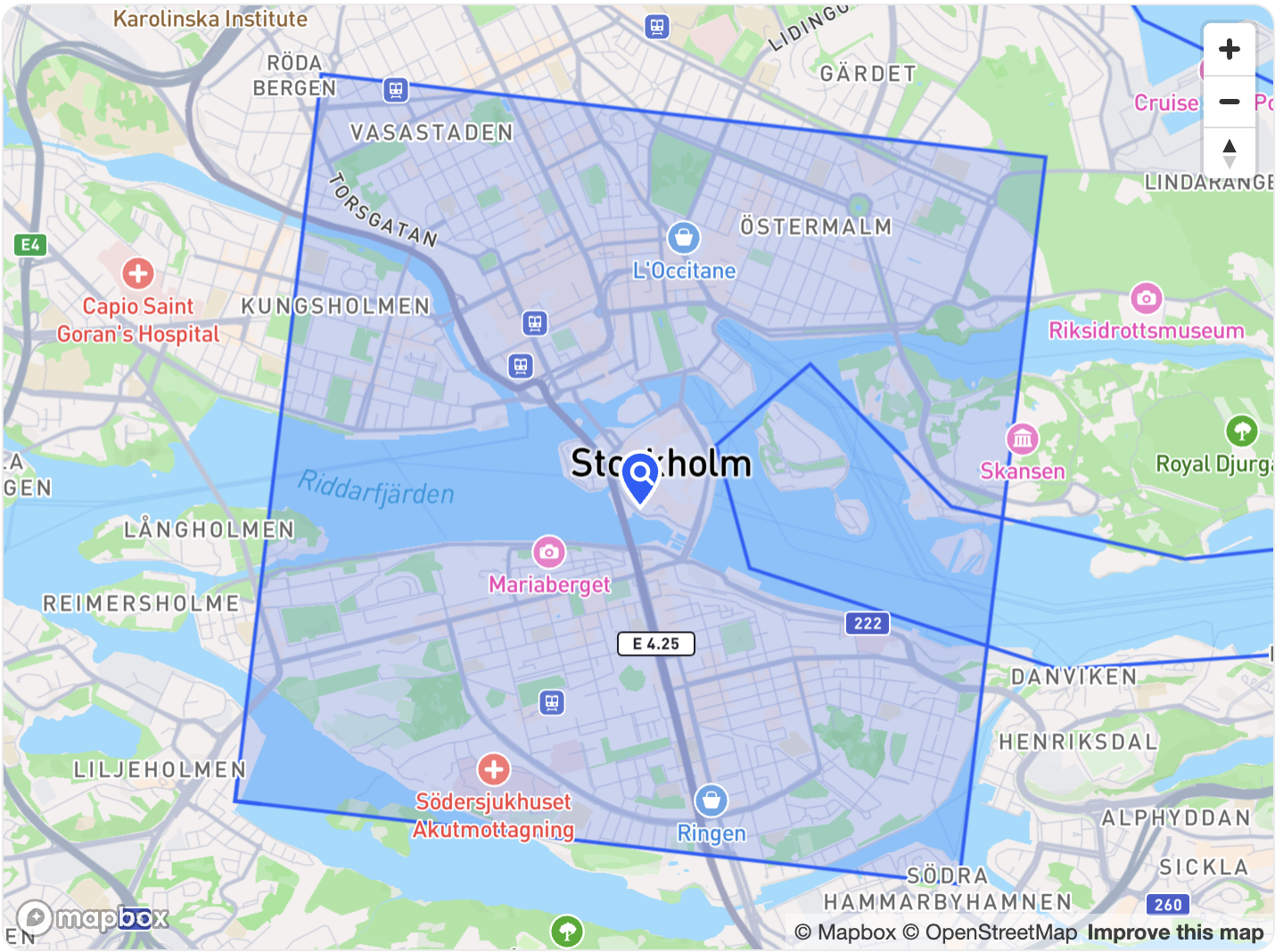
Search for a place or click the map to drop a pin. Drag to adjust. Available in Sweden only. This is a demo preview; in the live product the map is fully interactive.
Step 2/3: Choose the type of business
Choose the business type you want to gapXplorer to analyze.
Tip: You can change this later; the confirmation panel updates instantly.
Step 3/3: Pick your area plan
Select the analysis coverage that fits your needs. Prices shown in SEK (kr). Prices include VAT (25%).
Tip: You can change tiers anytime before checkout.
Step 4/4: Generate your report
The builder is only four steps. We generate your Location Analysis Report—just like the one below.
Location Analysis Report
Explore your top locations, cluster insights, and supporting evidence.
Order Summary
Overview of your analysis request — including business type, order ID, and selected location details.
Results Overview
Each row represents a potential business cluster, including its relative strength and catchment performance. Click any row to explore its detailed map and summary.